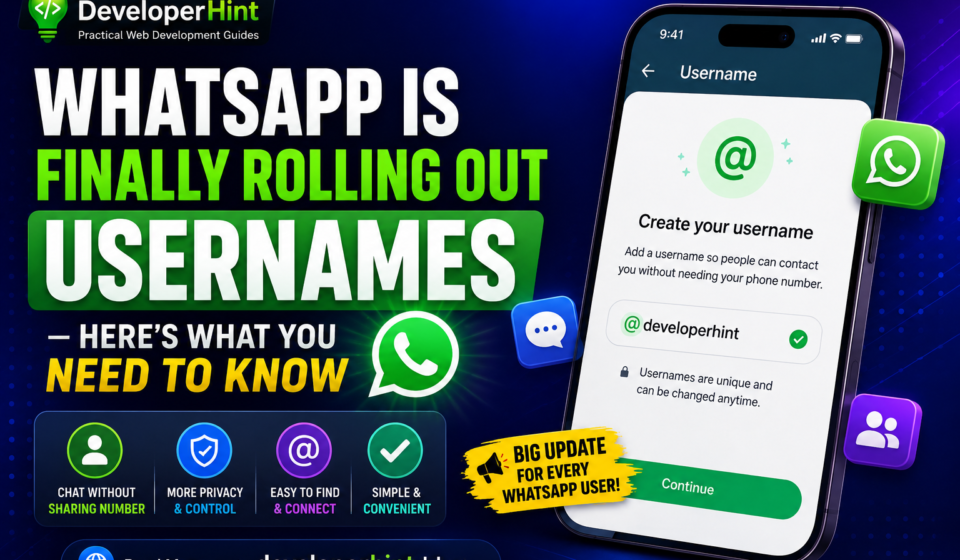

For years, using WhatsApp meant one thing: sharing your phone number with anyone you wanted to message. That’s finally changing. The new WhatsApp username feature lets more than three billion users connect and chat without ever handing over a phone number and reservations are open right now.
In this guide, we’ll break down what the WhatsApp username feature is, how to reserve your handle today, the rules for choosing one, and what it means for both regular users and businesses.
What Is the WhatsApp Username Feature?
The WhatsApp username feature allows users to create a unique, public handle, similar to an Instagram or Telegram username, that can eventually replace a phone number as the way people find and message you on the app.
WhatsApp opened username reservations to the public on June 29, 2026, giving users a head start on claiming their preferred handle before the full feature goes live later this year. The company explained the reasoning in a blog post, noting that handing a phone number to someone new, a classmate, a neighbor, someone you just met can feel like a bigger step than it should, since a number is tied to so many parts of a person’s life.
How to Reserve Your WhatsApp Username (Step-by-Step)
Want to lock in your preferred handle before someone else grabs it? Here’s how:
- Update WhatsApp to the latest version on Android or iOS. (Reservations are mobile-only for now — WhatsApp Web and Desktop aren’t supported yet.)
- Open WhatsApp and tap the three-dot menu (or You, on iOS) in the top corner.
- Tap your profile.
- Select Reserve Username.
- Enter your preferred handle, then tap Save.
If you don’t see the option yet, don’t worry — WhatsApp is rolling this out in phases, so it’s reaching accounts gradually rather than all at once.
WhatsApp Username Rules: What You Need to Know
Before you pick a handle, keep these formatting rules in mind:
- Must be 3 to 35 characters long
- Must include at least one letter (usernames can’t be all numbers or symbols)
- Only lowercase letters, numbers, periods, and underscores are allowed
- Cannot start with “www.” or end in a domain suffix like “.com” or “.net”
- Usernames that impersonate a real person, business, or brand will be blocked; notable accounts get verified
If you’ve already claimed a handle on Instagram or Facebook, you may be able to carry it over to WhatsApp, provided you can verify ownership.
Is the WhatsApp Username Feature Actually Private?
Yes and WhatsApp has designed it differently from typical social media handles. There’s no public directory of usernames and no autocomplete or search suggestions. You need to know someone’s exact username to message them for the first time.
WhatsApp is also introducing an optional username key, a short numbered code you can pair with your handle for extra protection. Anyone trying to reach you for the first time would need both your username and the key. On top of that, WhatsApp says it’s capping how many new contacts an account can message and can now automatically detect abuse patterns — both aimed at cutting down on spam and scams.
What the WhatsApp Username Feature Means for Businesses
Business accounts have a bit more to prepare for. WhatsApp is rolling out a Business-Scoped User ID (BSUID), and companies using the WhatsApp Business API will need to update CRMs, bots, and analytics tools to support it, ideally before it becomes required around mid-2026.
The good news: existing customer relationships aren’t disrupted. If a business already has a customer’s phone number on file, it can keep using it, even if that customer later sets up a username.
How WhatsApp Usernames Compare to Signal and Telegram
This update puts WhatsApp roughly two years behind Signal, which introduced optional usernames back in 2024, and brings it more in line with Telegram, which has offered handle-based messaging for years. The rollout also comes shortly after Meta named CRED founder Kunal Shah as WhatsApp’s new global head, succeeding longtime chief Will Cathcart — though the username feature reportedly began development well before that leadership change.
Final Thoughts
The WhatsApp username feature is a meaningful step toward giving users more control over their privacy but it’s not a silver bullet for every privacy concern surrounding the app. Reservations are open now, and the full feature (letting you message people using only a username) is expected to roll out gradually over the coming months.
If you want your ideal handle, now’s the time to grab it, with more than three billion people on WhatsApp, popular usernames won’t stay available for long.
Discover more from Developer Hint
Subscribe to get the latest posts sent to your email.
Content Disclosure
This content was created with the assistance of AI tools and thoroughly reviewed, fact-checked, and refined by a human editor to ensure accuracy, clarity, and usefulness for readers.Advertisements