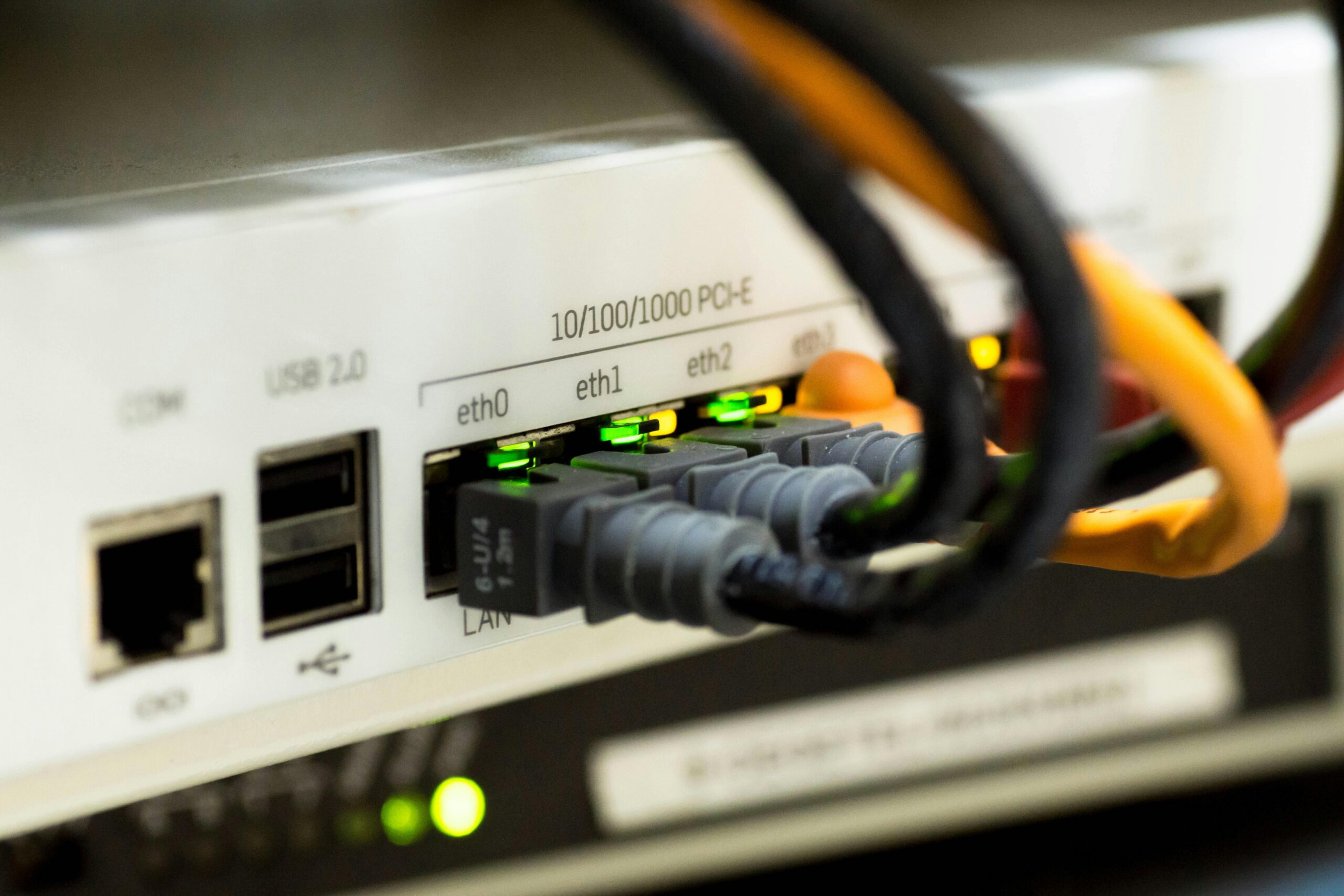
It’s easy to take the Internet for granted. You open a browser, type something in, and within a fraction of a second you’re reading an article written by someone on the other side of the planet. It happens so instantly and so reliably that most people never stop to wonder how any of it actually works — or how recently it was invented.
The Internet is only about 55 years old. The version most people think of — websites, browsers, email, streaming — has been mainstream for barely 30. And yet it’s become so deeply embedded in how we communicate, learn, work, and shop that imagining life without it feels almost impossible.
This guide covers what the Internet actually is, where it came from, who built it, and how it moves data from one place to another in the time it takes to blink.
What Is the Internet?
The Internet is a global network of interconnected computers and devices that communicate with each other to share information and resources. It connects billions of devices — phones, laptops, servers, smart TVs, and more — through a shared system of cables, wireless signals, and standardized rules for how data gets passed around.
A simple way to think about it: the Internet is infrastructure. Like roads connecting cities, the Internet connects devices. What travels on those roads — websites, emails, videos, files — is a separate layer built on top of that infrastructure.
That’s an important distinction that often gets confused. The Internet is the network itself. The World Wide Web is a service that runs on the Internet — one of many, alongside email, file transfer, video calls, and everything else. More on that distinction in a moment.
A Brief History of the Internet
Where It Began: ARPANET (1969)
The Internet’s origin story starts not in Silicon Valley but in a U.S. Department of Defense research agency. In 1969, ARPA — the Advanced Research Projects Agency — funded the creation of ARPANET, a network connecting four universities:
- University of California, Los Angeles (UCLA)
- Stanford Research Institute
- University of California, Santa Barbara
- University of Utah
On October 29, 1969, the first message was sent over ARPANET — from UCLA to Stanford. The message was supposed to be “login.” The system crashed after the first two letters. The first words ever transmitted over what would become the Internet were “lo.”
It wasn’t glamorous, but it was the beginning of something that would eventually connect 6 billion people.
The 1970s: TCP/IP Changes Everything
ARPANET worked for connecting a small number of research computers, but it wasn’t designed to scale. The breakthrough came in the 1970s when Vint Cerf and Bob Kahn developed TCP/IP — the Transmission Control Protocol and Internet Protocol. Published in 1974, TCP/IP provided a universal set of rules for how computers on different networks could communicate with each other, regardless of the hardware or software they were running.
TCP/IP is still the foundational protocol of the Internet today. Every time you load a webpage, stream a video, or send an email, TCP/IP is managing how that data gets broken into packets, sent across the network, and reassembled correctly at the destination.
The 1980s: The Network Expands
Through the 1980s, ARPANET grew and other networks began connecting to it. In 1983, ARPANET officially switched to TCP/IP, and the term “Internet” — short for “interconnected networks” — came into wider use. Universities, research institutions, and eventually corporations began joining the network.
In 1984, the Domain Name System (DNS) was introduced. Before DNS, accessing a computer on the network required knowing its exact numerical IP address. DNS created a human-readable naming system — the reason you can type developerhint.blog instead of a string of numbers.
1991: Tim Berners-Lee and the World Wide Web
The Internet existed for decades before most people had heard of it. What brought it to a global audience was the invention of the World Wide Web by British computer scientist Tim Berners-Lee in 1989, which became publicly available in 1991.
The Web introduced the concept of hyperlinks — clickable connections between documents — along with HTML (the language for creating web pages), HTTP (the protocol for requesting and sending them), and URLs (the addresses that identify each page). Berners-Lee invented all of this while working at CERN, the European physics laboratory, and critically, he made it freely available to everyone rather than patenting it.
In 1993, the first graphical web browser, Mosaic, launched — the first browser that could display images alongside text. Within a year, web traffic had increased by thousands of percent. The modern Internet era had begun.
The People Who Built It
The Internet wasn’t the invention of any single person. It was built incrementally by a long chain of researchers, engineers, and scientists over decades. A few names stand out:
Leonard Kleinrock developed the theory of packet switching in the early 1960s — the foundational idea that data can be broken into small packets, sent independently across a network, and reassembled at the destination. This is how all Internet communication works today.
Vint Cerf and Bob Kahn created TCP/IP in the 1970s, giving the Internet its universal language. Cerf is sometimes called the “Father of the Internet” for this work, though he’s typically quick to share the credit.
Tim Berners-Lee built the World Wide Web on top of the Internet in 1989-1991, transforming a research network into something anyone could use. He was knighted in 2004 for his contribution.
How the Internet Actually Works
When you type a URL into your browser and hit enter, a lot happens very quickly. Here’s the simplified version:
Your browser first needs to find the IP address for the domain you typed. It sends a query to a DNS server, which looks up the domain name and returns the corresponding IP address — like looking up a phone number in a directory.
With the IP address in hand, your browser sends an HTTP or HTTPS request to the web server at that address. That request travels from your device through your router, across your ISP’s network, through a series of routers and cables (often including undersea fiber optic cables for international requests), and arrives at the destination server.
The server processes the request and sends back the HTML, CSS, JavaScript, and other files that make up the webpage. Those files travel the same route in reverse. Your browser receives them and renders the page on your screen.
The whole process typically takes between 50 and 300 milliseconds. For most websites, you’re seeing the result of data traveling thousands of miles in less time than it takes to blink.
The Key Components
- Clients — the devices making requests: your phone, laptop, tablet, smart TV
- Servers — computers that store and serve websites, files, and data
- Routers — hardware that directs data packets between networks, finding the most efficient path
- ISPs — Internet Service Providers that give you access to the network
- Protocols — the standardized rules governing all communication: TCP/IP for data transmission, DNS for domain lookup, HTTP/HTTPS for web requests
The Internet vs. the World Wide Web
These two terms get used interchangeably all the time, but they’re not the same thing.
The Internet is the physical and logical infrastructure — the global network of connected devices and the protocols that let them communicate. It has existed since 1969.
The World Wide Web is a service that runs on top of the Internet — specifically, the system of websites and hyperlinks you access through a browser. It was invented in 1989 and made public in 1991.
The Web is one application built on the Internet. Email is another. File transfer (FTP), video streaming, online gaming, and voice calls are others. You can use the Internet without using the Web — though for most people in everyday life, the two are so intertwined that the distinction rarely matters.
The Internet Today
The growth of the Internet over the past 55 years is one of the most remarkable expansions of any technology in human history.
- 1991: The World Wide Web became publicly available
- 1993: Mosaic launched as the first graphical browser, triggering explosive growth in web use
- Early 2000s: Broadband replaced dial-up, email became mainstream, and the first social networks launched
- 2007: The iPhone launched, beginning the shift to mobile as the dominant way people access the Internet
- 2024: According to ITU (the International Telecommunication Union), 5.8 billion people were online — approximately 71% of the world’s population
- 2025: That number has grown to an estimated 6 billion people, or 74% of the global population
Despite that growth, a significant digital divide remains. Around 2.2 billion people — mostly in low-income countries — are still offline. In high-income countries, internet penetration approaches 94%. In low-income countries, only about 23% of the population has access.
Why It Matters
The Internet has restructured almost every industry and most aspects of daily life. It’s reshaped how we communicate (social media, messaging, email), how we learn (online courses, Wikipedia, YouTube tutorials), how we work (remote work, cloud computing, global collaboration), how we shop (e-commerce), how we consume entertainment (streaming, gaming, podcasts), and how software gets built and distributed.
For developers specifically, the Internet is the medium everything is built for. Understanding how it works at a fundamental level — TCP/IP, DNS, HTTP, how browsers request and render pages — is foundational knowledge that makes you better at every other part of the job, from writing faster front-end code to debugging network issues to building APIs that perform well under load.
Final Thoughts
The Internet started as a research project connecting four universities. Fifty-five years later it connects 6 billion people and underpins virtually every piece of modern technology. That’s an extraordinary trajectory — and it happened within a single human lifetime.
Understanding what the Internet is, where it came from, and how it moves data around the world isn’t just trivia. It’s the context that makes everything else in web development and modern technology make sense. The more clearly you understand the infrastructure beneath the tools you use every day, the better equipped you are to build things that work well on top of it.
Discover more from Developer Hint
Subscribe to get the latest posts sent to your email.
Content Disclosure
This content was created with the assistance of AI tools and thoroughly reviewed, fact-checked, and refined by a human editor to ensure accuracy, clarity, and usefulness for readers.Advertisements
