
Introduction
If you’ve been learning about web accessibility, you’ve probably heard of WCAG. But what exactly is it? And why does everyone say your website needs to follow it?
In this guide, we’ll explain WCAG guidelines in simple terms, so you can understand what they are, why they matter, and how to apply them as a developer.
What Is WCAG?
WCAG stands for Web Content Accessibility Guidelines.
It is a set of international standards created to make websites accessible to people with disabilities.
WCAG helps ensure websites are usable by people who:
- Use screen readers
- Have visual impairments
- Have motor disabilities
- Have hearing impairments
- Navigate using keyboards only
Most accessibility laws are based on WCAG.
The 4 Core WCAG Principles
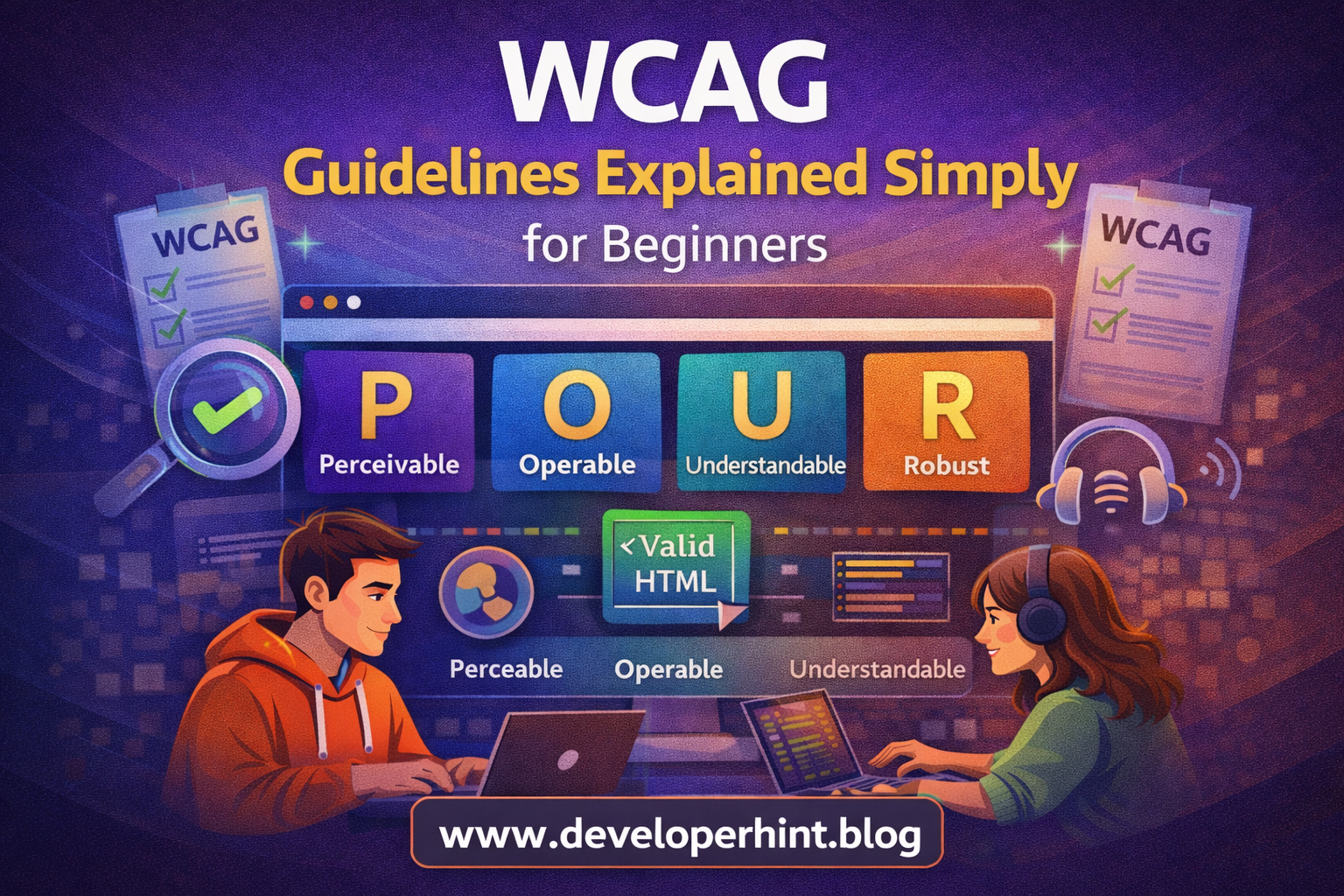
WCAG is built around four main principles. You can remember them using the acronym POUR.
1. Perceivable
Users must be able to perceive the information.
This means:
- Add alt text to images
- Provide captions for videos
- Use sufficient color contrast
Example:
<img src="logo.png" alt="Developer Hint logo">
If content can’t be seen or heard, it must be described.
2. Operable
Users must be able to operate the interface.
This includes:
- Keyboard navigation
- Clickable buttons
- Avoiding time limits
Bad example:
<div onclick="submitForm()">Submit</div>
Good example:
<button type="submit">Submit</button>
Native HTML elements are more accessible.
3. Understandable
Content must be easy to understand.
This means:
- Clear labels
- Simple language
- Predictable navigation
Example:
<label for="email">Email Address</label>
<input id="email" type="email">
Users should not feel confused when interacting with your website.
4. Robust
Content must work across different devices and assistive technologies.
This means:
- Use valid HTML
- Avoid broken ARIA roles
- Follow standards
Clean, semantic HTML helps ensure robustness.
WCAG Conformance Levels
WCAG has three levels of compliance:
Level A
Minimum accessibility requirements.
Level AA
The recommended standard for most websites.
Most laws require Level AA compliance.
Level AAA
The highest level, often difficult to achieve fully.
For most developers, aim for WCAG 2.1 Level AA.
Common WCAG Violations
During accessibility testing, developers often find:
- Missing alt attributes
- Poor color contrast
- Skipped heading levels
- Missing form labels
- Clickable div elements
- No keyboard support
Fixing these issues greatly improves accessibility.
How Developers Can Start Following WCAG
You don’t need to memorize the entire documentation.
Start with these practical steps:
- Use semantic HTML
- Add alt text to images
- Label form inputs properly
- Ensure keyboard navigation
- Test with Lighthouse and axe
Accessibility becomes easier when built into your workflow from the beginning.
WCAG and SEO
Following WCAG guidelines also improves:
- Search engine understanding
- Structured content
- Page clarity
- User experience
Accessible websites often rank better because they are better structured.
Conclusion
WCAG guidelines provide a clear framework for building accessible, inclusive websites. By understanding the four core principles – Perceivable, Operable, Understandable, and Robust – developers can create better experiences for everyone.
At Developer Hint, we believe accessibility is not just a requirement but a responsibility, writing accessible code from the start makes you a stronger and more professional developer.
Discover more from Developer Hint
Subscribe to get the latest posts sent to your email.
Content Disclosure
This content was created with the assistance of AI tools and thoroughly reviewed, fact-checked, and refined by a human editor to ensure accuracy, clarity, and usefulness for readers.Advertisements